Printing and postage costs have risen in recent years. Starting Jan. 1, 2027, members who receive paper bills will be charged $2 per month to help offset these costs.
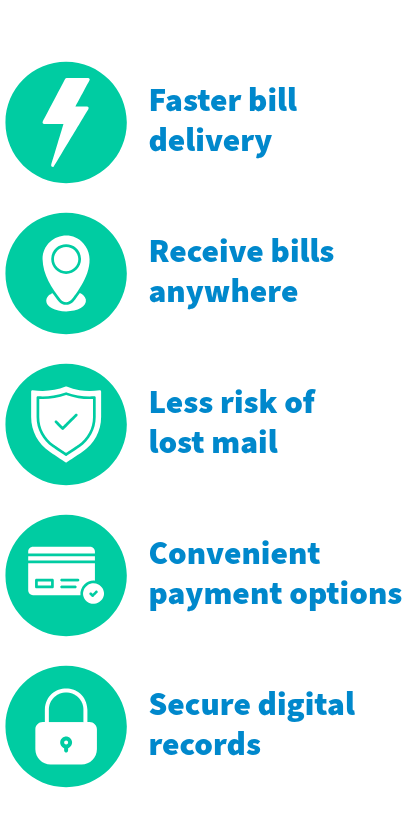
THE GOOD NEWS: You can avoid this charge by opting in to E-Bill. After enrolling, your NGEMC bill will be emailed directly to your email address on file each month.
How to opt-in to E-Bill:
- Log in to your NGEMC account on our website or through the My NGEMC Account app (instructions below).
- Contact any NGEMC office via phone or send us a message at www.ngemc.com/contactus.
- Visit any NGEMC office in person during regular business hours.
Get your bill online:
- Opt in to E-Bill: Log in to your NGEMC account on our website or through the My NGEMC Account app or contact any NGEMC office opt in to E-Bill
- From our website: First log in to your account. Then from the “Billing and Payments” menu, select “Bill Notification” to set your bill method.
- From the app: select “My Account” then “E-Notifications” from the menu to set you bill method.
Find your billing history:
- After enrolling in E-Bill, your NGEMC bill will be emailed directly to your email address on file each month.
- You can also view your 6 most recent bills by logging in to your NGEMC account.
- From our website: Log in to your account, then select “My Account” and “Account History” from the menu to access a list of your previous bills. To view a bill, click the binocular icon:
- From the app: Select “Payments,” then “Bill History” to view past bills.
NOTE: If you receive both an E-Bill and paper bill, your account will accrue the $2.00 fee. If you have already opted out of receiving a paper billing, you do not need to take any additional steps to avoid the fee. Paper bills will continue to be mailed out to all members who have opted to receive them.